
OpenAI just started testing group chats in ChatGPT. Up to 20 people can now chat together with the AI at the same time.
Users plan trips, work on projects, or just have fun. Your private memory stays private – it never shares with the group.
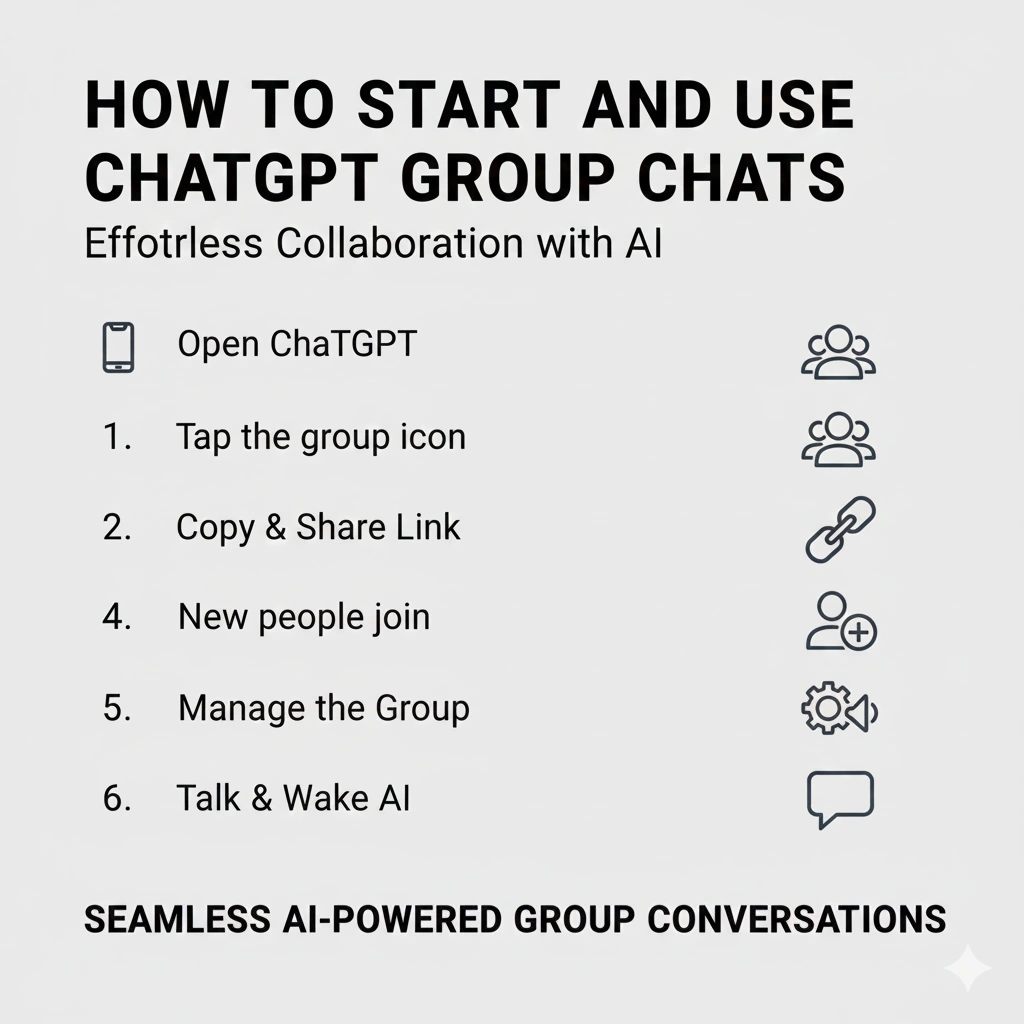
How to Start and Use ChatGPT Group Chats
OpenAI makes it simple.
Follow these easy steps:
- Open ChatGPT on web or mobile app.
- Tap the people icon in the top-right corner.
- ChatGPT copies your chat and turns it into a new group chat.
- Share the invite link with friends or team members.
- New people join and pick their name, username, and photo.
- Name the group, add or remove people, and mute it like normal apps.
ChatGPT watches the talk quietly. It only answers when you need it. Just type “ChatGPT” or @ChatGPT to wake it up. The AI now reacts with emojis and uses group photos for fun images.
Also read about: ChatGPT Latest Update: Human Makeover in 2025
Who Can Use It Right Now
The feature rolls out slowly.
Here are the details:
- Works on web, iOS, and Android.
- Available for Free, Go, Plus, and Pro users.
- First launch only in Japan, New Zealand, South Korea, and Taiwan.
- More countries and all users come soon after feedback.
OpenAI says group chats help real teamwork. One example: friends plan a trip together and ChatGPT builds the itinerary live with everyone.
This new tool makes ChatGPT feel more like WhatsApp or Slack – but with a smart AI helper inside.
More news to read:
