There is no doubt that WordPress is a lot better than Blogger, it comes with tons and tons of features and your site can be setuped just with a few clicks. When you install WordPress, it comes with an admin panel which is good, but now you can make your admin panel look much awesome just by adding a WordPress dashboard plugins. These plugins helps you stay organized in the WordPress admin and dashboard area.
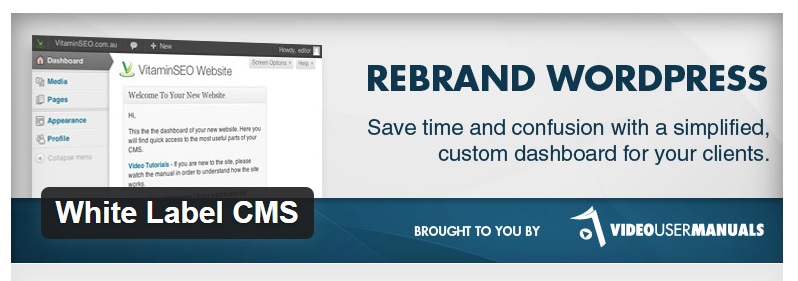
There are tons of developers out there who prefer to use WordPress for creating their client’s website. By using White Label CMS you can completely change of the way how your admin menu looks like and you can add a personal touch of your according to your need.
This plugin comes with 3 CMS profiles which can be used as presets, the best part is you can also write down a message to your clients on the admin panel it self. Coming to branding, by using this plugin you can easily add an logo in the header and footer of the admin panel as well. If you designing a website for you client, this is the plugin which I highly recommend to use.
If you want to add a couple of bright colors to your admin panel, then this theme is the best option to do so. Admin Color Schemes comes with beautiful color schemes which are visually stunning.
By using admin color schemes, you can fill your admin panel with bright colors and give an entire new look to your panel.
User Role Editor is an highly recommended plugin if you have got multiple authors on your site. By the use of this plugin you can restrict and control your author on what stuff he can do.
For instance, suppose you have 5 editors, you can restrict one user so that he cannot add media files over the website. This is an really useful plugin, you can control the capabilities of your user such as you can restrict them by blocking widgets etc.
As the name goes along, by the use of this plugin you can restrict a particular user from using the dashboard. By using this plugin you can also redirect the theme to a specific page of your choice.
The best part is by using this plugin you can also give access to a specific users profile page and still you can access the details of the other admin.
Coming to Client das, it is an powerful plugin by using which you can completely re-structure how your admin panel looks like. If you gonna use this plugin, it’s going to be a great experience for your clients because of the user friendly dashboard which they get.
Client Dash has got drag and drop features which is really useful when you wanted to re-arrange your menu perfectly. By using this plugin, you can also menu items by changing their label and links as well.
Also Read: Top 12 Best Rated Website Builders
Adminimize is another great plugin if you have got multiple users on your website. This is a great plugin to hide all the unnecessary items from your WordPress dashboard so that your client doesn’t get confused.
This plugin comes with an extraordinary admin panel where you can add all the items which you want to be showed in the admin panel and can also add up all the details, this is an amazing plugin.
By using Admin Columns, you can easily organize the admin section with awesome columns and also can make it user friendly as well.
If you gonna use this plugin for your clients website, trust me, he’s gonna love the way it looks.
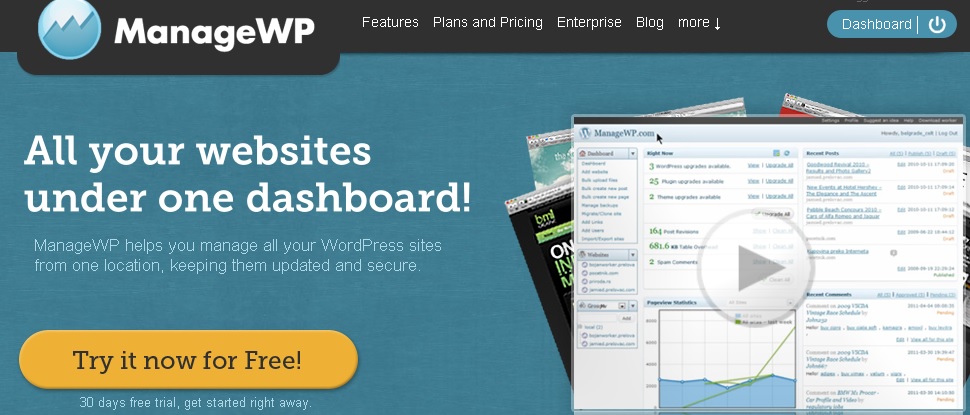
ManageWP is a “complete WordPress administration comfort” for WordPress clients who need to securely and productively oversee various sites. Whether you’ve got two WordPress locales to oversee or 500, ManageWP can help you continue everything upgraded, moved down, secure, and significantly more. All from one dashboard.
I know it is not important to customize your admin dashboard, but trust me guys, it’s going to be really awesome if you do so.
Subscribe to our blog and join our happy subscribers list, subscribe now and get more stuff like this right into your mail!
Choosing the right web hosting service can be confusing, especially with so many options available.…
Deciding between Bluehost, HostGator, and Dreamhost as your web hosts can be a confusing process.…
Ever feel like your mind is too crowded, like there's a party happening in there…
In the fast-evolving landscape of web hosting services, choosing the right provider is crucial for…
DreamHost excels with fast performance, reliable uptime, and robust security features. It’s user-friendly, offering easy…
If you're looking for GoDaddy renewal coupon codes, then you are in the right place.…