

Get the Advanced Coupons Plugin for 15% OFF
Get 20% OFF
Get 10% OFF StoreApps Plugins
Get 25% OFF Now
Get Extra 20% Off Eligible Items
I added a 10% coupon to my store. Sales jumped 34% in one week.
Coupons convert hesitant browsers into buyers. They recover abandoned carts. They build customer loyalty. And they help small stores compete with Amazon.
This guide shows you how to create, manage, and optimize WooCommerce coupons. You’ll learn proven strategies, avoid costly mistakes, and start seeing results today.
No coding needed. Just smart tactics that work.
Let’s start.
What Is WooCommerce?
WooCommerce is a free, open-source ecommerce plugin for WordPress. It powers 4.46 million online stores worldwide—that’s 33.4% of all ecommerce websites.
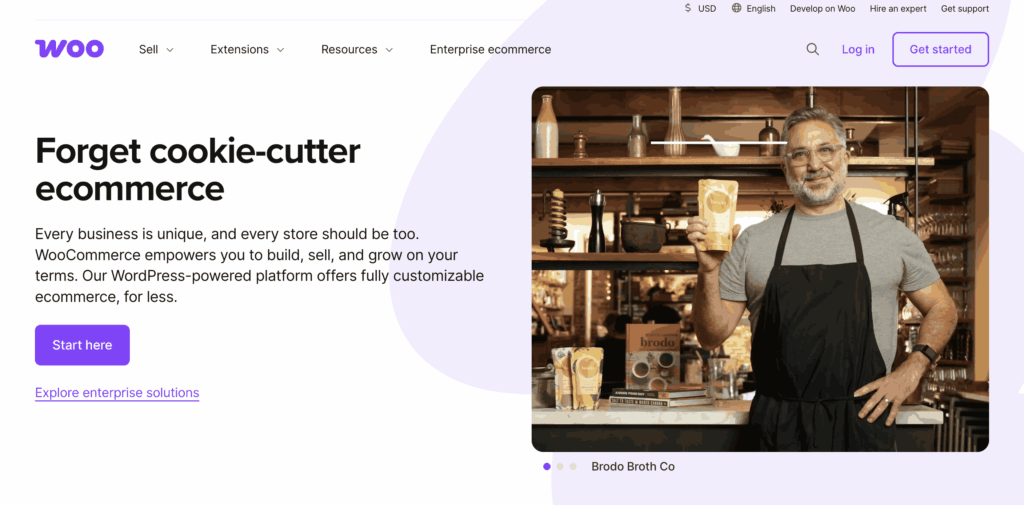
Launched in 2011, WooCommerce lets you sell anything: physical products, digital downloads, subscriptions, bookings, or services. It’s completely customizable with thousands of free and premium extensions.
Why stores choose WooCommerce:
- Free core plugin: No monthly platform fees
- Complete control: You own your store and data
- Flexible: Customize everything from design to functionality
- Scalable: Works for small shops to enterprise stores
- SEO-friendly: Built on WordPress, the best platform for search rankings
- Huge community: Thousands of developers, themes, and plugins available
Whether you’re starting your first store or migrating from another platform, WooCommerce gives you freedom without vendor lock-in.
How to Use a WooCommerce Coupon Code?
Step 1 – Enjoy the Discount
Complete your purchase at the new discounted price.
Step 2 – Visit the Plugin Website
Click the offer or visit the official plugin page from the deal above.
Step 3 – Choose Your Plan or Product
Select the plan or extension you need and add it to your cart.
Step 4 – Apply the Coupon Code
At checkout, paste the coupon code in the discount field and click Apply.
WooCommerce and Coupon Market Stats You Should Know (2026)
Here are some numbers that surprised me when I researched them:
WooCommerce is huge. There are 4.46 million live WooCommerce stores right now. That’s one-third of all online stores worldwide. If you’re using WooCommerce, you’re in good company.
People love coupons. I mean, they really love them. Here’s the proof:
- 90% of Americans use coupons when shopping online
- 62% actively search for promo codes before buying
- 93% say coupons influence their purchase decisions
That last one is important. Your customers WANT to use coupons.
The coupon market is growing fast. The global digital coupon market hit 12.55 billion in 2026. It was only 10.6 billion last year. That’s 18% growth in just one year.
What types of coupons work best? I’ve tested many types. Here’s what the data says:
- 67% of shoppers prefer percentage-off deals (like 20% off)
- 61% love BOGO deals (buy one, get one free)
- Free shipping coupons reduce cart abandonment by 30%
Mobile matters. More people are shopping on phones. Mobile coupon redemption is growing 15% every year. Make sure your coupons work smoothly on mobile devices.
Cart abandonment recovery works. When I add a 10% coupon to abandoned cart emails, recovery rates jump by 8-12%. That’s real money back in your pocket.
The bottom line? Coupons aren’t optional anymore. They’re essential for competing online.
Key Features of WooCommerce
1. Seamless WordPress Integration
WooCommerce is purpose-built for WordPress, creating a natural synergy for users already invested in the platform. This integration allows you to manage content and commerce in one unified system, eliminating the need for separate tools.
2. Complete Customization Control
Customize every element of your store—from product pages to checkout flows—using themes, plugins, or custom code. Unlike closed platforms with rigid templates, WooCommerce gives you absolute freedom without design or functionality restrictions.
3. Support for Diverse Product Types
WooCommerce supports physical goods, digital downloads, subscriptions, bookings, memberships, and affiliate products all from one platform. This versatility allows you to diversify your revenue streams without switching systems or managing multiple storefronts.
4. Extensive Extension Ecosystem
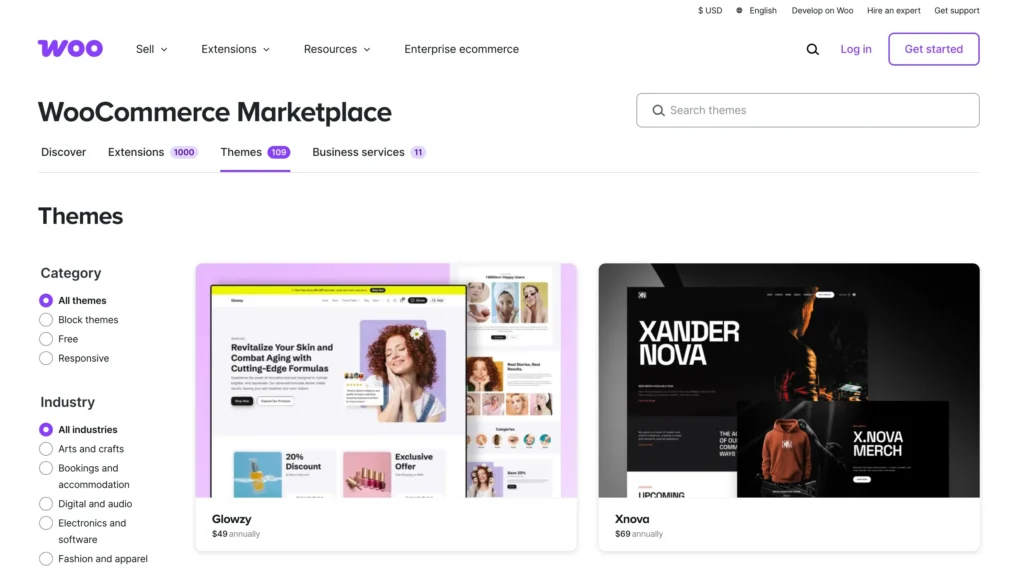
Access thousands of free and premium plugins that expand your store’s capabilities beyond core features. Add sophisticated functionality like one-click upsells, advanced shipping calculators, dynamic pricing, and marketing automation without custom development.
5. Flexible Payment Gateway Integration
Connect seamlessly with major payment processors including PayPal, Stripe, Square, Razorpay, and dozens of regional gateways. You can also enable offline options like cash on delivery or bank transfers for markets with lower digital payment adoption.
6. Sophisticated Shipping Management
Configure shipping strategies that match your operational needs—flat rates, free shipping thresholds, real-time carrier rates, or zone-based pricing. WooCommerce supports modern fulfillment models including dropshipping workflows and direct shipping label printing.
7. Search Engine Optimization Built In
Built on WordPress, WooCommerce inherits powerful SEO advantages including clean code structure, fast loading potential, and compatibility with leading SEO plugins. Your products benefit from better visibility in search engine results, driving organic traffic without paid advertising.
8. Mobile-Optimized Shopping Experience
WooCommerce themes are designed with responsive layouts as standard, automatically adapting to smartphones, tablets, and desktop screens. This ensures customers enjoy smooth browsing and friction-free checkout regardless of how they access your store.
9. Unlimited Scalability Potential
WooCommerce grows alongside your business, whether you’re launching with a handful of products or managing thousands of SKUs. With proper infrastructure, WooCommerce handles stores generating millions in annual revenue.
10. Open Source and Developer-Friendly
The open-source nature of WooCommerce means you’re never locked into proprietary systems or vendor limitations. Developers have complete codebase access to build custom features, create unique integrations, and automate complex business processes.
What If the WooCommerce Coupon Codes Do Not Work?
If a WooCommerce coupon code doesn’t work at checkout, don’t worry — it’s usually a simple fix. First, double-check that you’ve entered the code exactly as shown, without extra spaces or typos.
Many coupon codes are case-sensitive or valid only for specific products, plans, or timeframes. Also, ensure the offer hasn’t expired or been used already if it’s limited to one-time use per user.
Sometimes, browser caching issues can interfere with applying codes, so try clearing your cache or switching to a different browser.
If the issue persists, visit the plugin provider’s website or contact their support team for assistance — most are quick to resolve coupon-related problems.
And finally, always check if a minimum purchase amount or other conditions apply, as these can affect whether the discount is accepted.
Why You Should Choose WooCommerce?
WooCommerce is one of the most flexible and cost-effective eCommerce platforms available today, especially for users already familiar with WordPress.
As an open-source plugin, it gives you complete control over your online store’s design, functionality, and data—without being locked into a closed ecosystem.
You can sell physical or digital products, subscriptions, bookings, or even services, all from a fully customizable storefront.
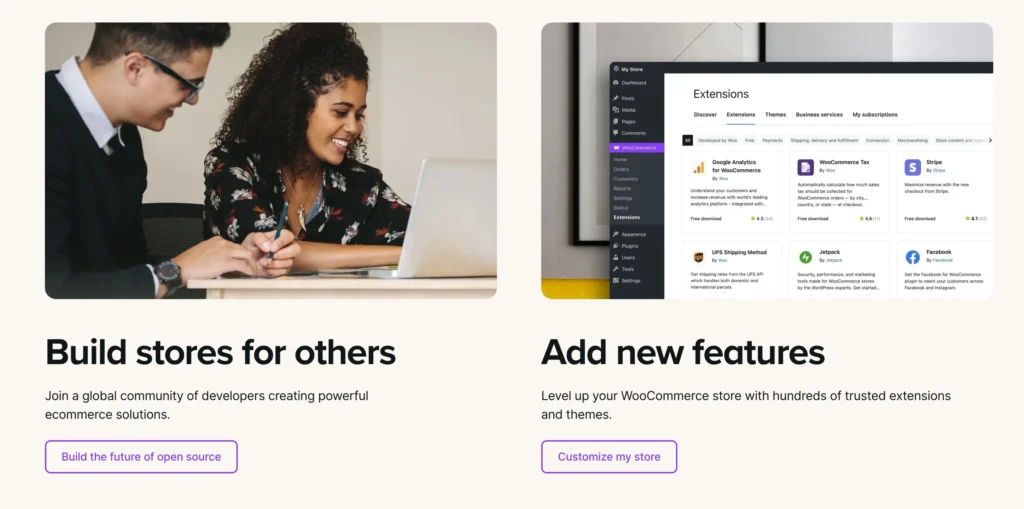
One of WooCommerce’s biggest strengths is its vast plugin ecosystem, allowing you to add advanced features like dynamic pricing, memberships, and multi-language support with ease.
It’s also highly SEO-friendly, thanks to its integration with powerful tools like Yoast SEO.
Since WooCommerce is self-hosted, you can choose your own hosting provider based on your budget and scale, which means your costs grow with your business—not before.
Whether you’re a small business or scaling up, WooCommerce gives you the freedom to build the store you want, the way you want, all while keeping expenses under control.
Pros and Cons of WooCommerce
Pros
- Free to use with open-source flexibility
- Fully customizable in design and functionality
- Large ecosystem of plugins and extensions
- Seamless integration with WordPress
- Excellent for SEO and content marketing
- Works with a wide range of payment gateways
- Scalable with the right hosting setup
- Full control over store data and hosting environment
Cons
- Requires separate hosting and setup
- Technical knowledge needed for advanced customization
FAQs– WooCommerce Coupon Codes
Are WooCommerce coupon codes case-sensitive?
No. “SAVE20,” “save20,” and “SaVe20″ all work the same. But spaces matter—”SAVE20” is different from “SAVE 20”.
Can customers use multiple coupons at once?
Yes, by default. To prevent stacking, check “Individual use only” when creating the coupon. To allow strategic stacking, enable “Calculate coupon discounts sequentially” in WooCommerce Settings → General.
How do I create a coupon for specific customers only?
Use the “Allowed emails” field under Usage Restrictions. Enter their email addresses separated by commas. They must use that email at checkout.
Do coupons work on subscription products?
Yes, with WooCommerce Subscriptions. Specify whether the discount applies to the first payment only, all recurring payments, or a set number of renewals. Most stores use the first payment only to protect margins.
Can I restrict coupons to new customers only?
The Advanced Coupons plugin includes a “New customers only” condition. Without it, use a workaround: send the coupon via welcome email, restrict it to their email address, and limit it to one use per user.
Also Read:
- Interserver Coupon Codes
- Dynadot Coupon Codes and Promos
- Kamatera Coupon Code
- GoDaddy Domain Coupon Code
- iPage Coupon Code and Promos
Conclusion: WooCommerce Coupon Codes [Month] 2026
You now have everything you need to create effective coupons.
Start simple this week. Create your first 10-15% discount coupon and test it with a small customer segment. Monitor results in your coupon reports and calculate ROI to protect your margins.
Pick one strategy from this guide. Implement it completely over the next 30 days and measure results before trying another. Test abandoned cart recovery, BOGO deals, or free shipping. Let data guide your decisions.
Remember that coupons are profit tools, not giveaways. Your goal is to increase total profit, not just give discounts. Small improvements compound over time.
Need help? Comment below. I answer questions within 24 hours.
Good luck with your store!
